I once spent hours fixing a tiny bug that turned out to be a missing bracket. That moment forced me to truly understand how debugging works in programming, not as a theory but as a practical skill I could rely on daily. Since then, debugging has felt less like frustration and more like solving a puzzle with a clear path forward.
Debugging as a Structured Problem-Solving Process
Debugging is the process of finding, isolating, and fixing errors in software so it behaves correctly. While many people think it is only about using tools, it is actually a logical process that combines observation, reasoning, and testing.
At its core, debugging is similar to detective work. You collect clues, analyze behavior, and form conclusions based on what the code is doing versus what you expected it to do. This mindset makes debugging more predictable and less stressful especially for beginners learning coding.
Debugging Is A Mindset, Not Just A Tool
The biggest shift I experienced was realizing debugging is not about typing more code. It is about understanding the existing code deeply. When you slow down and think clearly, you often find the issue faster than blindly trying fixes.
Over time, this mindset builds confidence. Instead of fearing bugs, you start approaching them with curiosity and control, which is exactly how experienced developers think.
The Core Debugging Workflow Explained
Every effective debugging session follows a structured cycle. Once you understand this flow, debugging becomes repeatable and efficient instead of chaotic.
Reproduce The Bug Consistently
The first step is to confirm the issue and recreate it. If a bug happens only once and cannot be repeated, fixing it becomes guesswork.
I always try to identify the exact inputs or actions that trigger the problem. This gives me control over the situation and ensures I am solving the real issue.
Isolate The Root Cause
After reproducing the bug, the next step is narrowing down where it originates. This involves checking different parts of the code and eliminating possibilities.
Using logs, breakpoints, or even simple print statements helps reveal where things start to go wrong. This step is where most of the real thinking happens.
Form A Hypothesis And Test It
Once you have enough information, you make an educated guess about the cause. It could be a logic error, incorrect data, or an edge case you missed.
Then you test your hypothesis by modifying the code carefully. This approach keeps debugging structured and avoids unnecessary changes.
Fix And Verify The Solution
After applying the fix, always test again. A fix is only complete when the issue no longer appears and nothing else breaks.
I have learned that skipping verification often leads to new bugs. Run code driven testing thoroughly ensures long-term stability.
Proven Techniques That Make Debugging Easier in Programming
Different techniques make debugging faster and more effective. These methods range from simple habits to more advanced approaches.
Print And Log Debugging
This is one of the simplest and most reliable techniques. By printing values or logging outputs, you can track how data flows through your program.
I still use this method frequently because it provides quick insights without needing complex tools.
Rubber Duck Debugging
Explaining your code out loud, even to an object, forces you to think clearly. Surprisingly, this often reveals mistakes that were not obvious before. This technique works because it slows your thinking and helps you notice gaps in your logic.
Divide And Conquer Approach
Sometimes the best way to debug is to simplify. By removing or isolating parts of your code, you can identify where the issue stops occurring.
This method helps narrow down the exact section responsible for the bug.
Backtracking From The Error
Another effective technique is starting from where the error appears and tracing backward. This helps you identify where things first went wrong.
This approach is especially useful for complex systems where errors are not immediately obvious.
How Modern Debugging Tools Actually Work
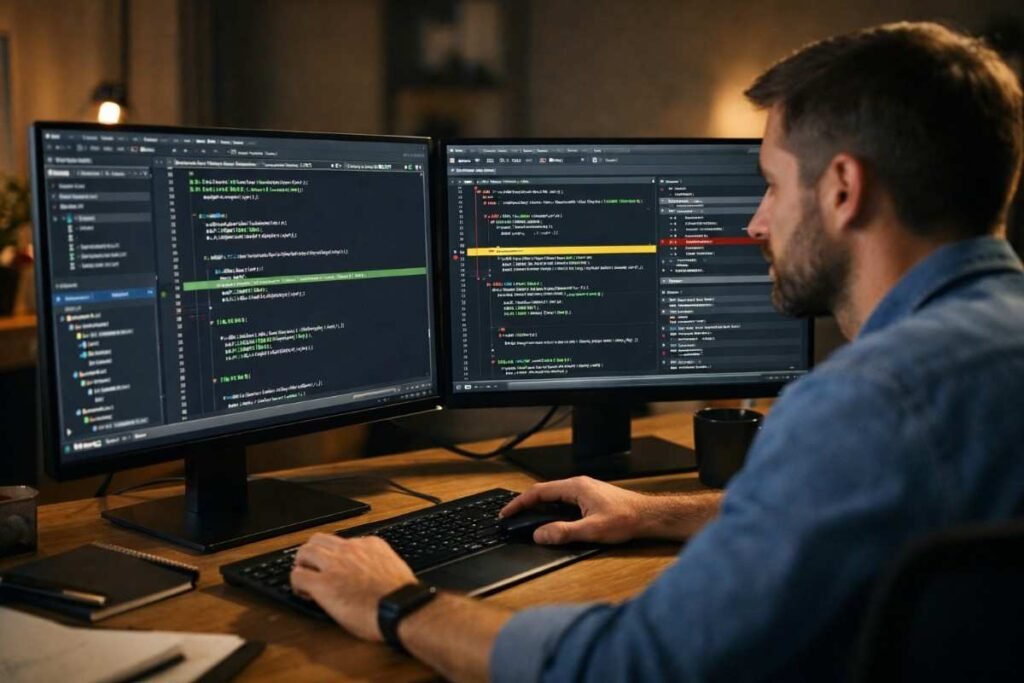
Debugging tools make the process more precise by allowing you to observe your code in action. These tools are often built into development environments.

Breakpoints And Controlled Execution
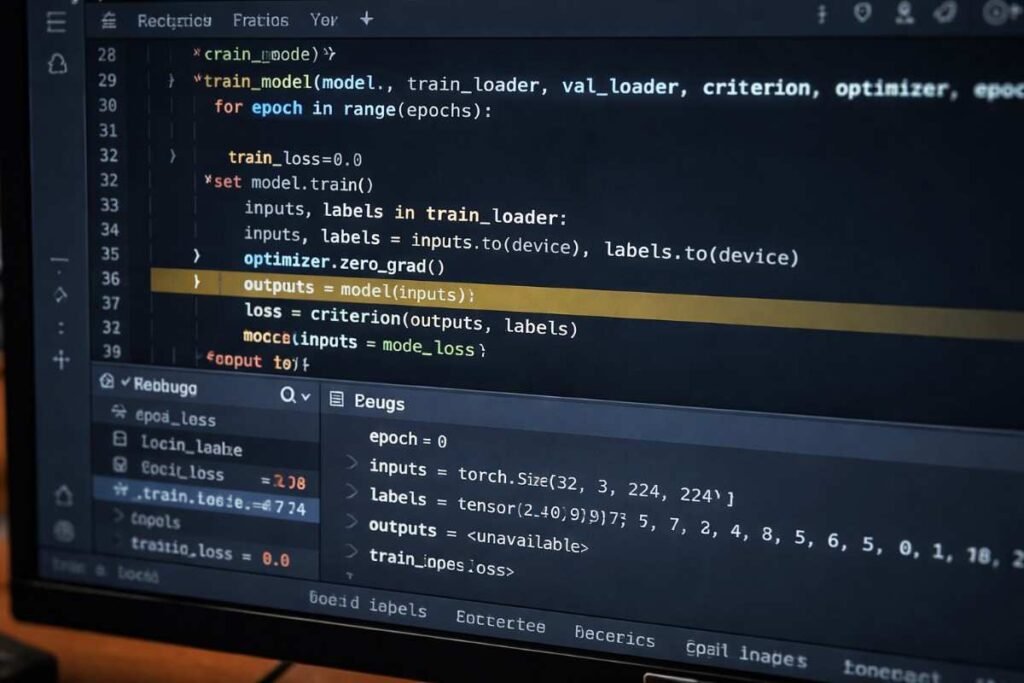
Breakpoints allow you to pause your program at a specific line. This lets you inspect what is happening at that exact moment.
I rely on breakpoints when I need to understand how different parts of my code interact step by step.
Inspecting variables and program state
When execution pauses, you can check the values of variables and understand the current state of your program. This visibility helps confirm whether your assumptions about the code are correct.
Stepping through code line by line
Debuggers provide options to move through code gradually. You can step into functions, step over them, or exit them entirely. This control allows you to observe the flow of execution in a detailed and structured way.
What Happens Behind The Scenes
Under the hood, debugging tools use information generated during compilation to map machine instructions back to readable code.
They may also temporarily pause execution using special instructions, allowing you to interact with your program in real time.
A Practical Step-by-Step Debugging Routine
When I approach debugging now, I follow a simple routine that keeps me focused and efficient.
First, I observe the problem without making changes. I read the error messages, review outputs, and understand the behavior. This prevents unnecessary confusion.
Next, I reproduce the issue consistently so I can control when it happens. This gives me a reliable starting point for investigation.
Then, I isolate the problem by testing one part of the code at a time. I use logpoints and breakpoints, or simple checks to track where things break. This helps me find the exact cause.
Finally, I fix the issue carefully and test it multiple times. I also check related parts of the code to ensure everything works correctly. This routine has saved me from countless repeated mistakes.
How Debugging Skills Improve Over Time

Debugging becomes easier the more you practice. Patterns start to emerge, and you begin to recognize common issues quickly.
With time, you develop intuition about where bugs are likely to occur. However, even with experience, following a structured process remains essential for accuracy.
Practice builds confidence and speed
Every debugging session adds to your experience. You become faster at identifying issues and more precise in fixing them. This growth turns debugging into a skill you can rely on instead of something you struggle with.
Frequently Asked Questions
1. What is debugging in programming?
It is the process of identifying and fixing errors in code so the program works correctly.
2. Why do developers need debugging skills?
Debugging helps maintain reliable software and improves problem-solving ability.
3. What is the easiest debugging technique?
Using print statements or logs is often the simplest and most effective starting point.
4. Can beginners learn debugging quickly?
Yes, with practice and a structured approach, debugging becomes much easier over time.
Final Thoughts on Debugging in Programming
Understanding how debugging works in programming completely changed how I approach coding challenges. It is no longer frustrating but feels like solving a meaningful puzzle. If you stay patient, follow a clear process, and learn from every bug, you will build a skill that makes you a stronger and more confident developer every day.