
I still remember the first time I wrote a small program, hit run, and watched the output appear instantly. It felt like magic. But the more I coded, the more I wanted to understand what was actually happening behind the scenes. That curiosity led me to explore how code runs in computer, and once I understood the process, everything became clearer and more predictable.
Now, instead of guessing, I can actually visualize each step as it happens.
Code Begins as Structured Instructions
To a computer, code is not fancy syntax or readable words. It is simply a set of instructions that tells it how to process data and perform tasks. Whether you are writing Python, Java, or C++, you are creating a structured list of commands.
The important thing to understand is that computers do not understand human language. They operate using electrical signals, which are represented as binary values, 1s and 0s. So every line of code you write must eventually be converted from decimal to binary format before the computer can execute it.
This transformation is what makes programming possible, but also what makes it fascinating.
Translating Human Code into Machine Language
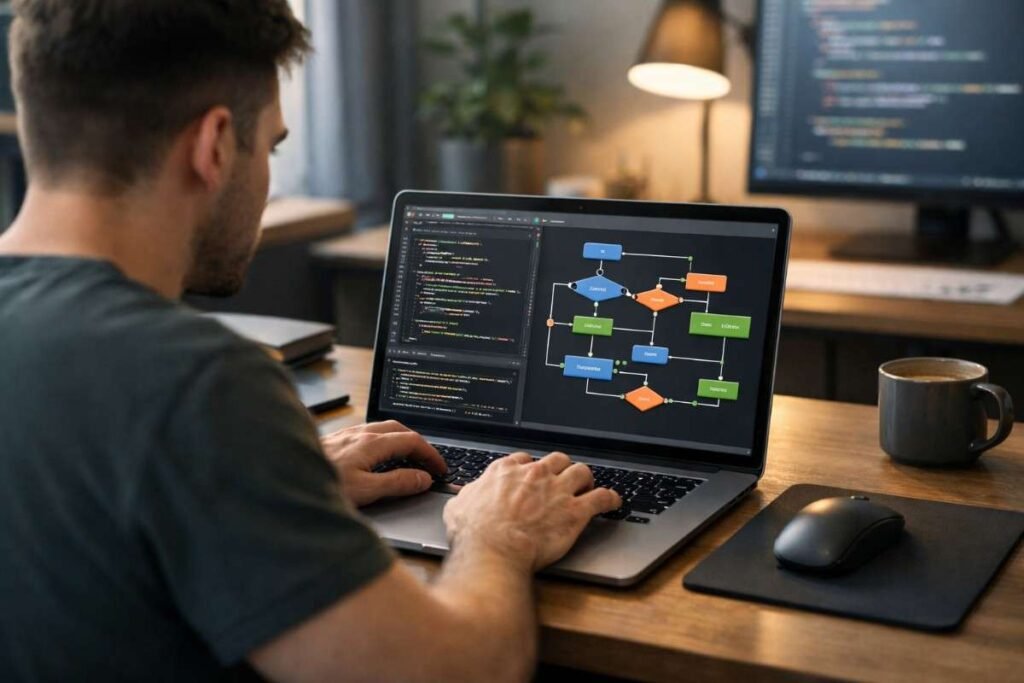
Before your code can run, it must go through a translation phase. This is where your human-readable code gets converted into machine code, the only language the CPU can directly understand.
There are two main ways this happens. The first is compilation, where the entire program is translated at once into an executable file. This approach is used in languages like C++ and Java, and it allows programs to run very efficiently after compilation.
The second method is interpretation. In this case, the code is translated line by line as it runs. Languages like Python and JavaScript use interpreters. This makes testing easier but can slow down execution slightly because translation happens continuously during runtime.
Understanding Compilers vs Interpreters
When you look deeper, compilation and interpretation are not just technical concepts. They directly affect how your program behaves.
Compiled programs are faster during execution because everything is already translated. Once you run the file, the CPU can process it immediately without extra overhead.
Interpreted programs give you flexibility. You can quickly test changes, debug issues, and run code without building a full executable each time. That is why many beginners learning coding start with interpreted languages before moving to compiled ones. Understanding this difference helps you choose the right tool for your project.
Loading Programs into Memory with the OS
After translation, your program is ready to be loaded into memory. This is where the operating system plays a key role.
When you click run, the OS takes your program from storage, such as your SSD or hard drive, and loads it into RAM. This is necessary because the CPU can only access instructions quickly from memory, not from long-term storage.
At the same time, the OS allocates resources for your program. It sets aside space for variables, functions, and data, and it tells the CPU where to begin executing the instructions. This step ensures your program runs smoothly without interfering with other processes.
Inside the CPU Execution Cycle
Once your program is loaded into memory, the CPU takes over. This is where the real action begins.
The CPU follows a continuous loop known as the fetch, decode, and execute cycle. First, it fetches an instruction from memory. Then it decodes the instruction to understand what needs to be done. Finally, it executes the operation using its internal components.
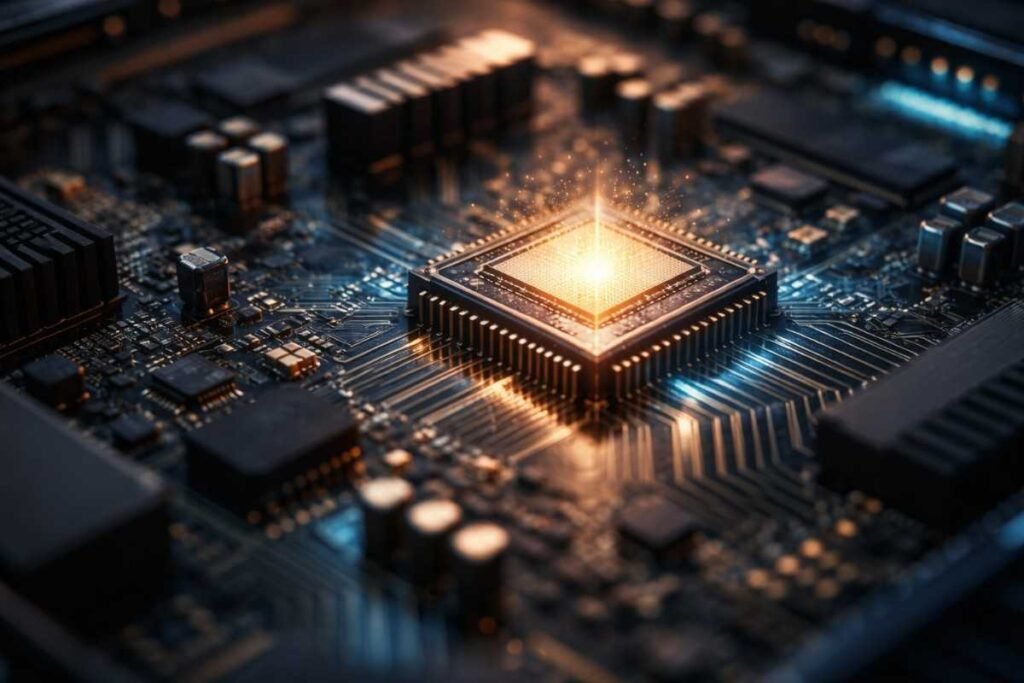
This process happens extremely fast, often billions of times per second. The Arithmetic Logic Unit handles calculations, while registers store temporary data for quick access. All of this works together to produce the output you see on your screen.
How Binary and Hardware Work Together

At the lowest level, everything comes down to electrical signals. The CPU is made up of billions of tiny transistors that switch between on and off states.
These states represent binary values, which form the foundation of all computation. Every operation, from simple addition to complex graphics rendering, is built on these basic signals.
What makes this incredible is how seamlessly it all works together. You write a few lines of code, and the computer translates that into millions of electrical operations in an instant.
A Simple Way to Understand the Process Step by Step
The easiest way I have learned to understand this process is by breaking it down into a mental sequence every time I run code.
First, I imagine the code being translated into machine language, either through a compiler or an interpreter. This step converts readable instructions into binary that the CPU can process.
Next, I picture the operating system loading the program into memory and setting up space for everything it needs. This includes variables, data, and instructions that will be executed.
Then, I visualize the CPU running through the fetch, decode, and execute cycle repeatedly. Each instruction gets processed in order, creating the final result. When you build this habit, coding starts to feel logical and structured rather than confusing.
Frequently Asked Questions
1. What happens when you run code on a computer?
The code is translated into machine code, loaded into memory, and executed by the CPU through a continuous instruction cycle.
2. Does code run directly on hardware?
Not directly. It passes through layers like the operating system, memory, and CPU before execution happens.
3. Which is better, compiler or interpreter?
Compilers are faster for execution. Interpreters are better for quick testing and debugging.
4. Why does a computer use binary language?
Binary matches electrical signals, making it the most efficient way for hardware to process instructions.
What This Means for Your Coding Journey
Understanding how code runs in computer completely changed the way I approach programming. It is no longer about guessing what went wrong. It is about following a clear process from translation to execution. If you start visualizing these steps every time you run code, you will gain confidence faster and write better programs without feeling overwhelmed.