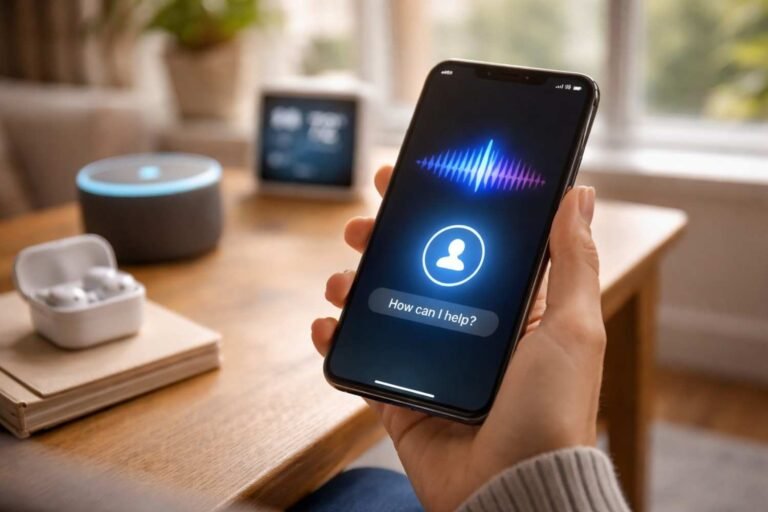
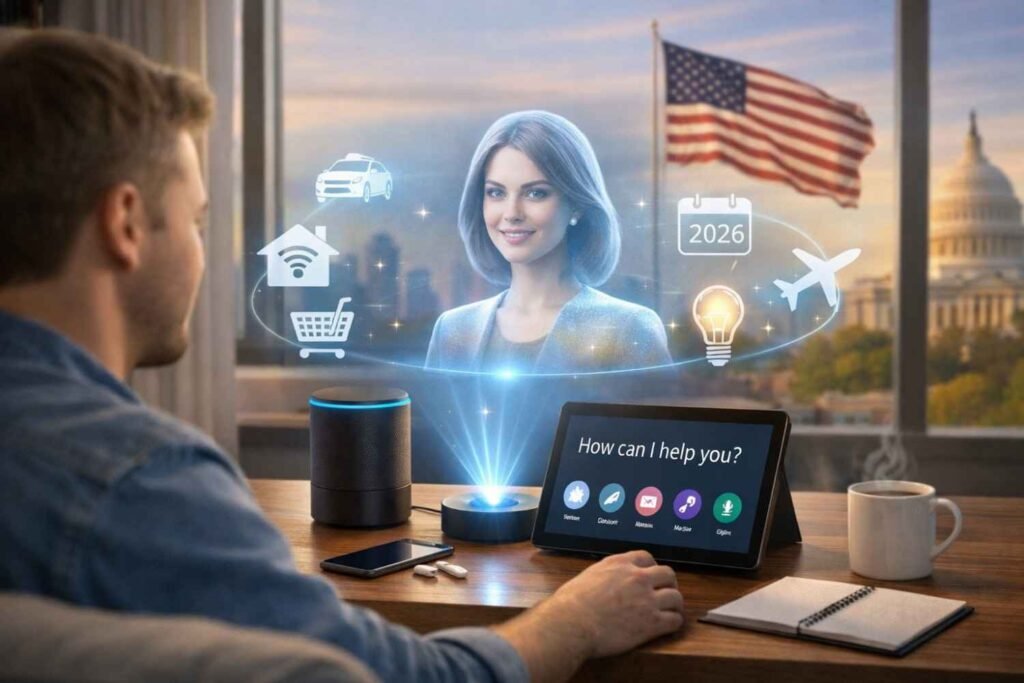
Voice assistants used to be simple. You asked for the weather, set a timer, or played music. That was pretty much it. But over the last few years, things changed fast. Now, voice assistants don’t just respond to commands. They actually help manage tasks, automate work, and even make decisions based on your habits.
I started noticing this shift when voice assistants began reminding me about things I didn’t even ask for. Calendar changes, traffic delays, subscription renewals, meeting summaries, everything started showing up automatically. That’s when it became clear that AI voice assistants were no longer tools. They were becoming assistants in the real sense.
Proactive Automation Is the Biggest Change
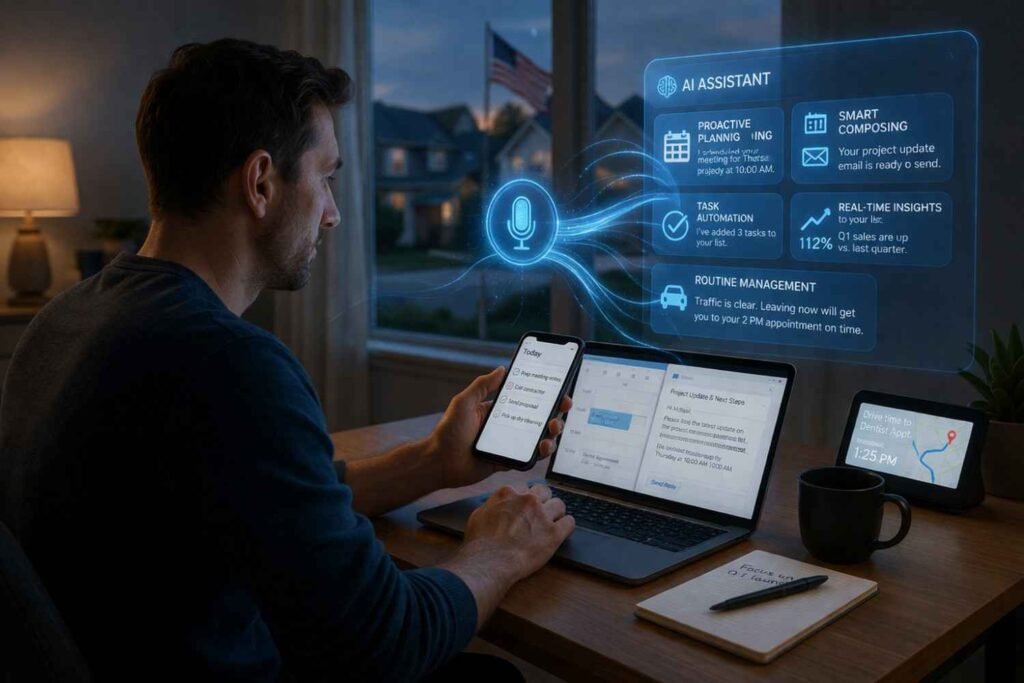
One of the biggest AI voice assistant features in 2026 is proactive automation. Assistants no longer wait for commands. They predict what you might need and act before you ask.
For example, modern AI assistants can:
- Remind you to leave early if traffic is heavy
- Notify you when a price drops for something you searched for
- Suggest rescheduling meetings if conflicts appear
- Automatically send follow-up emails
- Create reminders based on conversations
This shift from reactive to proactive AI is probably the biggest change in voice assistant technology.
Multi-Step Task Automation
Another major feature is the ability to handle multi-step tasks with a single command. Instead of giving multiple instructions, you can now give one complex request.
For example:
“Plan my weekend trip.”
The assistant can:
- Search flights
- Suggest hotels
- Add itinerary to calendar
- Set reminders
- Share travel details with family
- Create a packing checklist
This kind of voice automation is becoming very common in productivity tools and smart assistants.
Context Awareness and Conversation Memory
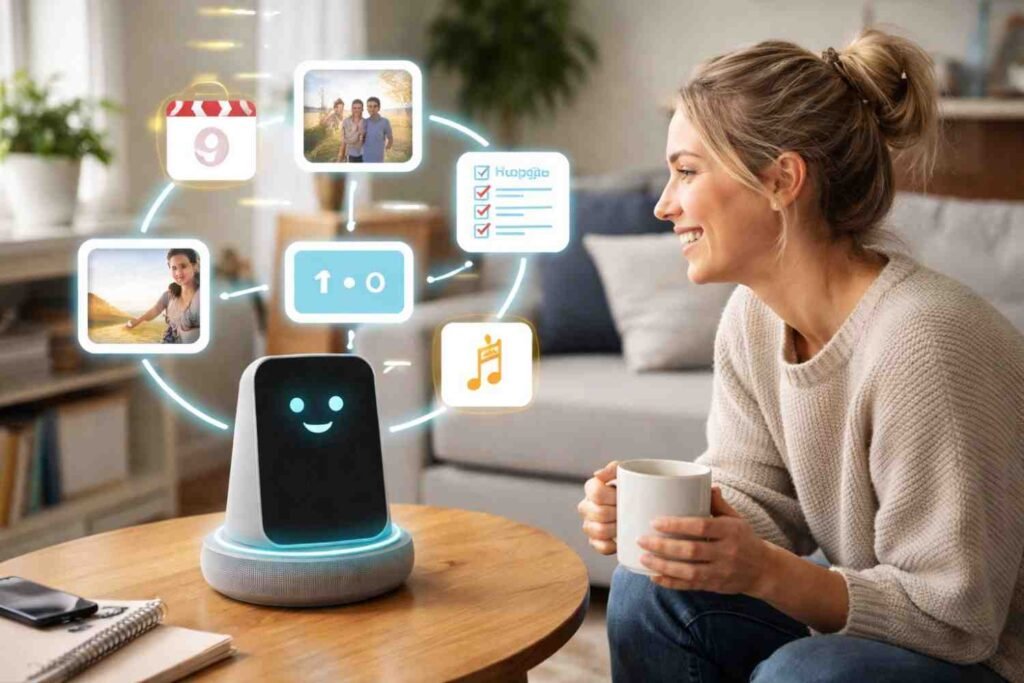
Older voice assistants forgot everything after one command. Now, assistants remember context and previous conversations.
This means you can talk naturally, like:
“Book a table for Friday.”
“Make it for four people.”
“Change it to 7 pm.”
You don’t need to repeat everything again. The assistant understands context, conversation flow, and intent using natural language processing and speech recognition improvements.
This makes AI conversations feel more natural and less robotic.
Smart Home and Device Automation
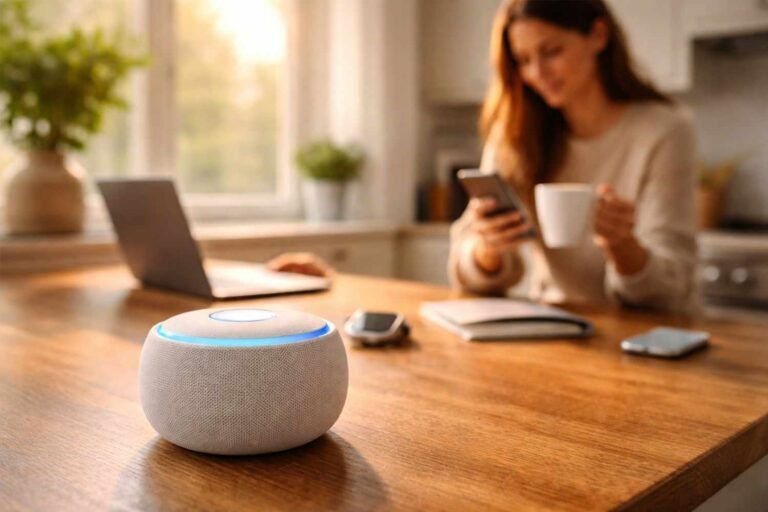
Smart home automation is still one of the most popular uses of AI voice assistants. But now automation routines are much more advanced.
You can create automation like:
- “Good morning” routine turns on the lights, reads the news, and starts the coffee machine
- “Leaving home” locks doors, turns off lights, and adjusts the thermostat
- “Movie time” dims the lights and turns on the TV
- “Work mode” blocks notifications and opens productivity apps
These voice assistant features are becoming common in smart homes and connected devices.
Multimodal Assistants (Voice + Vision + Screen)

Modern virtual assistants are no longer just voice-based. They can now see screens, images, and camera input.
Examples:
- Take a photo of a device and ask how to fix it
- Scan a document and summarize it
- Look at an event poster and add it to the calendar
- Read charts and explain data
- Identify products and compare prices
This combination of voice, vision, and screen awareness is called multimodal AI, and it’s one of the most important AI assistant features today.
Real-Time Translation and Communication
AI voice assistants can now translate conversations in real time. During calls or meetings, assistants can:
- Translate speech instantly
- Show live captions
- Convert voice to text notes
- Summarize meetings
- Highlight action items
This is extremely useful for global teams, online meetings, and international communication.
Privacy and Hybrid Processing

Privacy is becoming a big focus in voice assistant technology. New systems use hybrid processing:
- Simple commands are processed on the device
- Complex tasks processed in secure cloud systems
- Less data is stored permanently
- Faster response time
- Better security
This makes smart voice assistants faster and more private at the same time.
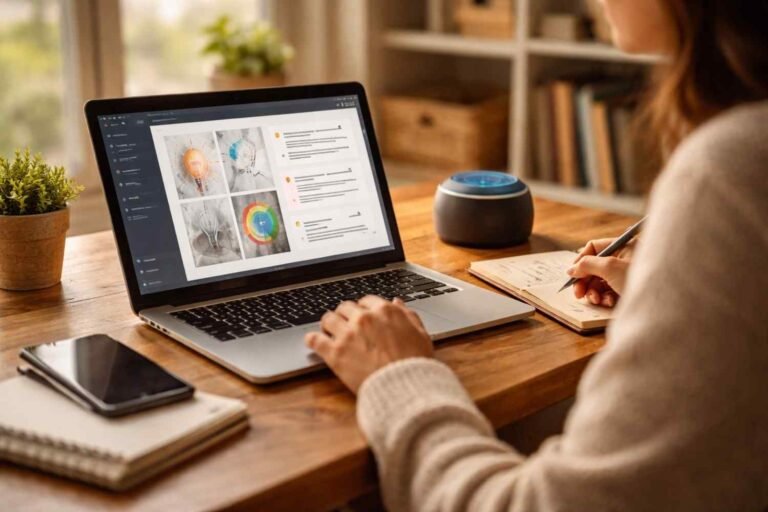
AI Voice Assistants for Productivity and Work
Voice assistants are now heavily used for productivity and business tasks.
Common productivity uses include:
- Scheduling meetings
- Sending emails
- Creating task lists
- Meeting summaries
- Setting reminders
- Project updates
- CRM updates
- Note dictation
- Calendar management
Many people now use voice assistants as daily productivity tools rather than just smart speakers.
Most Useful AI Voice Assistant Features to Start Using

If someone wants to actually use voice assistants more effectively, these are the most useful features:
- Automation routines
- Calendar and reminder management
- Meeting summaries and notes
- Real-time translation
- Smart home automation
- Voice search and quick research
- Email dictation and replies
- Travel planning
- Task and to-do management
- Proactive alerts and reminders
Most people only use AI learning processes, but the real value is in automation and productivity.
FAQs: AI Voice Assistants Features You Should Be Using in 2026
1. What are the most important AI voice assistant features in 2026?
The most important features include proactive automation, multi-step task execution, smart home automation, real-time translation, conversation memory, and productivity automation.
2. How are AI voice assistants different from older voice assistants?
Older assistants only responded to commands. Modern AI assistants understand context, remember conversations, automate tasks, and provide proactive suggestions.
3. Can AI voice assistants improve productivity?
Yes, they can schedule meetings, send emails, create reminders, summarize meetings, manage tasks, and automate repetitive work, which saves a lot of time.
4. Are AI voice assistants safe to use for personal data?
Modern assistants use hybrid processing where many tasks are processed on-device and sensitive data is handled through secure cloud systems, improving privacy and security.
Final Thoughts
AI voice assistants are quietly becoming one of the most useful technologies in everyday life. They are no longer just tools that respond to commands. They are turning into digital assistants that manage schedules, automate tasks, control devices, and even help with work and communication. The biggest shift is not voice commands anymore; it is automation, context awareness, and proactive assistance.
People who start using these features properly usually save time, reduce small daily tasks, and become more organized without realizing it. Voice assistants are slowly moving from convenience tools to productivity partners, and that shift is only going to grow over the next few years.