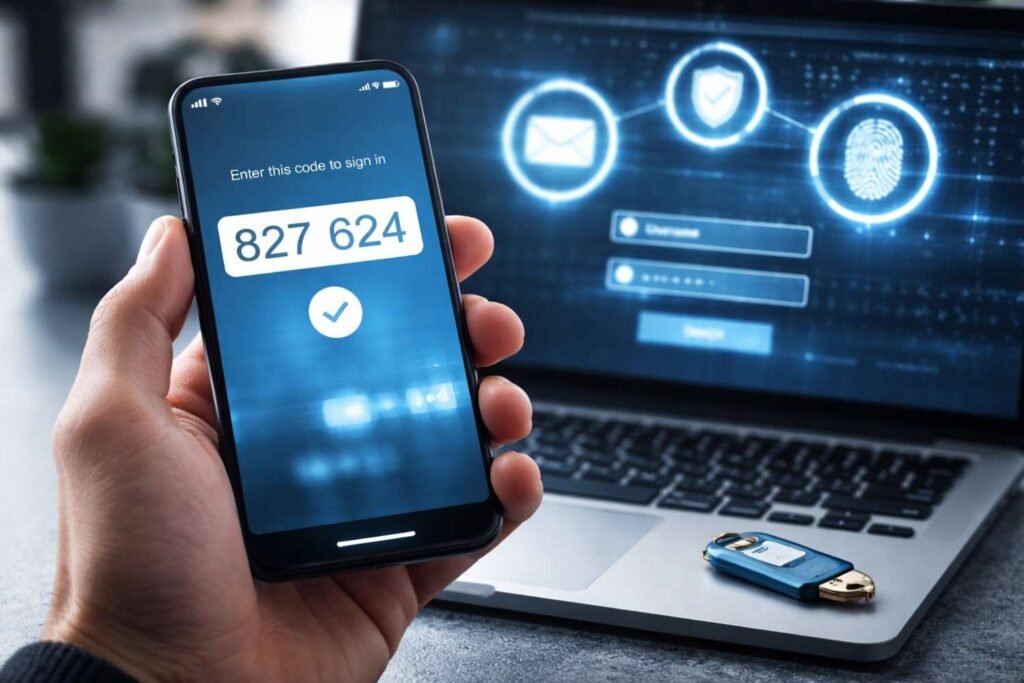
I’ll be honest. I didn’t think I needed MFA authentication until I saw how easily accounts get compromised. It only takes one leaked password, one phishing link, or one careless login, and suddenly everything from your email to your bank account is at risk.
That realization changed how I approach online security. Instead of relying on just passwords, I added an extra layer that actually blocks most attacks before they even start. MFA authentication isn’t complicated, and once you set it up, it becomes part of your routine without slowing you down.
If you’ve ever wondered whether it’s really necessary or how it actually protects you, this is where things start to get clear.
What Is MFA Authentication? (Quick Answer)
MFA authentication is a security process that requires two or more verification factors to confirm your identity before granting access to an account.
Instead of just a password, it combines multiple layers like a code, device, or biometric scan. This drastically reduces the risk of unauthorized access, even if your password gets stolen.
Why MFA Is Now a Standard in the US
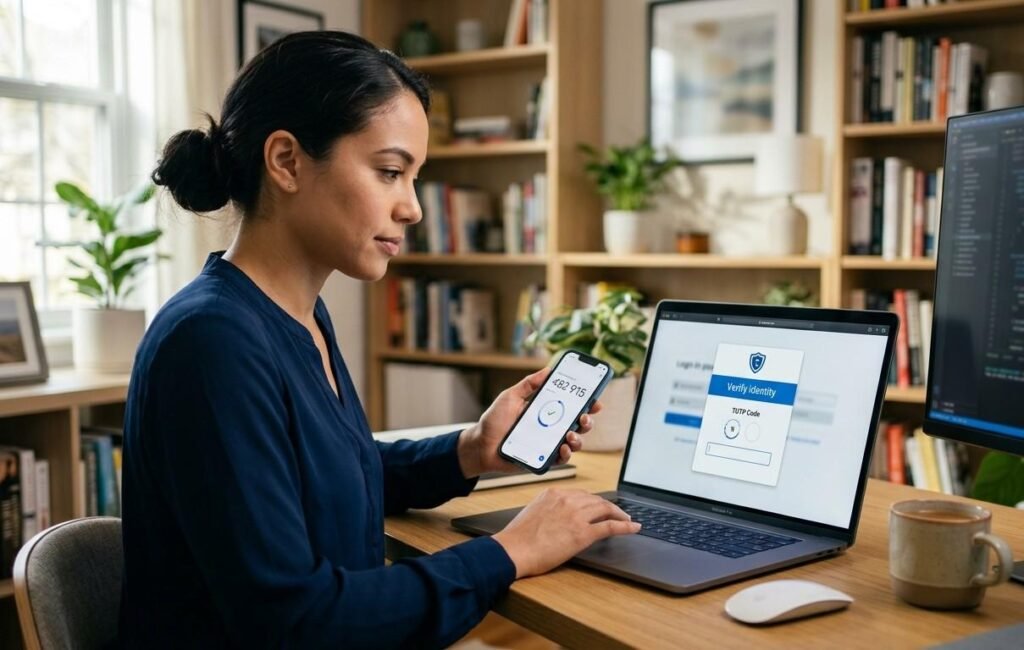
Cybercrime in the US continues to grow, affecting individuals, small businesses, and major corporations. According to cybersecurity agencies, most breaches involve compromised credentials.
That’s why organizations like CISA (Cybersecurity and Infrastructure Security Agency) and major platforms like Microsoft and Google now push or require multi-factor security for users.
From my experience, once you enable this across email, banking, and cloud accounts, you immediately reduce your exposure to common attacks like phishing and credential stuffing.
How MFA Authentication Works Step by Step
When I log into an account, the process usually follows a simple but powerful flow.
First, I enter my username and password. Then, the system asks for a second verification step. This might be a one-time code, a push notification, or biometric confirmation.
This second layer ensures that even if someone has my password, they still cannot access my account without my device or identity confirmation.
What Are the Types of Authentication Factors?
Something You Know
This includes passwords or PINs. It’s the most common but also the most vulnerable factor.
I’ve learned that even strong passwords can be leaked or guessed, which is why this factor alone is never enough.
Something You Have
This refers to a physical device like your smartphone or a hardware security key.
Authenticator apps generate time-based codes that expire quickly, making them far more secure than static credentials.
Something You Are
Biometric verification like fingerprints or facial recognition falls into this category.
I personally rely on biometrics because it’s fast, secure, and eliminates the need to remember complex passwords.
Which MFA Methods Are the Most Secure in 2026?
Not all methods offer the same level of protection. Over time, I’ve tested different options and found clear differences.
Authenticator apps and hardware security keys are among the most secure because they resist phishing attacks.
SMS-based verification is still common but less secure due to risks like SIM swapping.
The biggest shift now is toward passkeys and phishing-resistant authentication. These methods remove passwords entirely and rely on secure device-based identity verification.
MFA Methods Comparison Table
| Method | Security Level | Convenience | Risk Level |
| SMS Codes | Medium | High | Vulnerable to SIM swap |
| Authenticator App | High | Medium | Very low risk |
| Security Key | Very High | Medium | Extremely secure |
| Biometrics | High | Very High | Device dependent |
| Passkeys | Very High | Very High | Future standard |
Why MFA Authentication Is Critical for Your Accounts
From what I’ve seen, most cyberattacks don’t involve complex hacking. They rely on stolen passwords.
That’s exactly why MFA authentication is so effective. It blocks attackers even if they already have your login credentials.
It also helps meet compliance requirements for businesses in industries like healthcare, finance, and e-commerce.
More importantly, it gives peace of mind. You don’t have to constantly worry about someone accessing your accounts without permission.
Common Mistakes People Make With MFA
One mistake I see often is relying only on SMS verification. While better than nothing, it’s not the safest option available today.
Another mistake is not saving backup codes. If you lose access to your device, you could lock yourself out.
Some people disable MFA because they think it slows them down. In reality, modern methods like push notifications and biometrics make the process seamless.
How to Set Up MFA Authentication (Simple Guide)
Setting it up is easier than most people expect.
First, go to your account’s security settings. Look for options like “Two-Step Verification” or “Security Settings.”
Next, choose an authenticator app instead of SMS for better protection. Scan the QR code and connect your account.
Then, test the setup to make sure everything works properly. Finally, store your backup codes in a secure place.
Once done, your account security improves instantly.
The Future of MFA: Passwordless Security
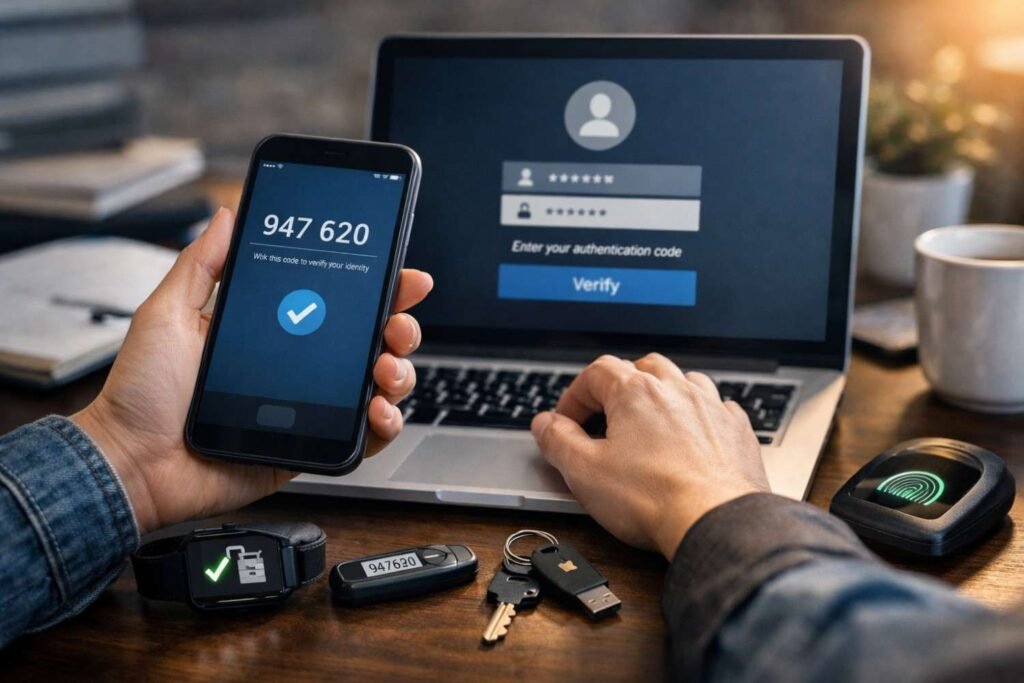
The future is moving away from passwords entirely.
Passkeys, biometrics, and device-based authentication are becoming the new standard. These methods are faster, more secure, and eliminate many traditional risks.
From what I’ve seen, companies are focusing on making security both strong and user-friendly at the same time.
This shift is already happening across major platforms in the US.
FAQs About MFA Authentication
1. Is MFA the same as 2FA?
2FA is a subset of MFA. MFA can involve two or more authentication factors.
2. Is SMS-based MFA safe enough?
It’s better than passwords alone, but not the most secure option. Authenticator apps are safer.
3. Do I really need an MFA for personal accounts?
Yes. Email, banking, and social accounts are frequent targets for attackers.
4. What if I lose my authentication device?
You can use backup codes to recover access. Always store them securely.