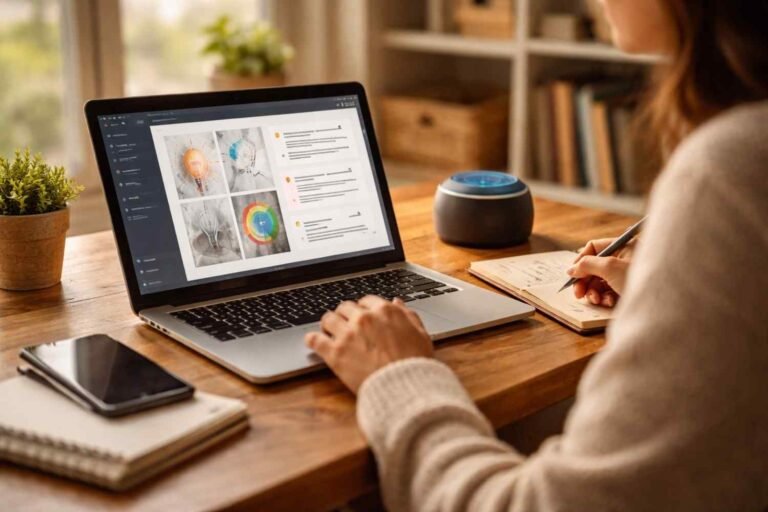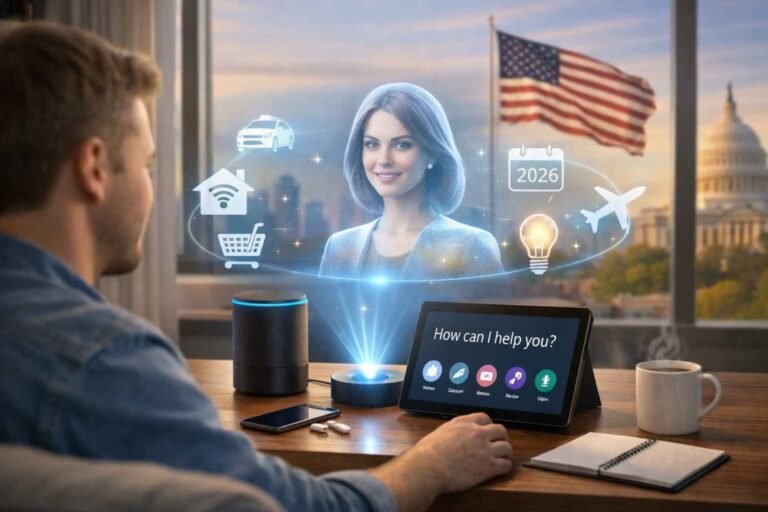

I didn’t sit down to code. I just described an idea, hit enter, and watched an app start taking shape in front of me. No complex syntax, no endless debugging loops—just a conversation that turned into working software. That moment felt less like programming and more like directing.
That’s exactly what vibe coding is doing right now across the US. It’s flipping the way we build software by replacing manual coding with natural language and AI collaboration. If you’ve ever wanted to create something without getting stuck in technical details, this approach might completely change how you work.
What Is Vibe Coding and Why Is It Trending in the US?
Vibe coding is a software development approach where you build applications through natural language conversations with AI instead of writing code line by line. The term was popularized by AI researcher Andrej Karpathy in 2025, describing a workflow where you focus on the outcome and let AI handle implementation.
In the US tech ecosystem, this approach is gaining serious traction because it lowers the barrier to entry. Startups, solo founders, and even non-technical professionals can now build working tools without traditional coding experience.
What makes it powerful is not just speed. It changes your role. You move from being a coder to someone who directs systems and makes decisions.
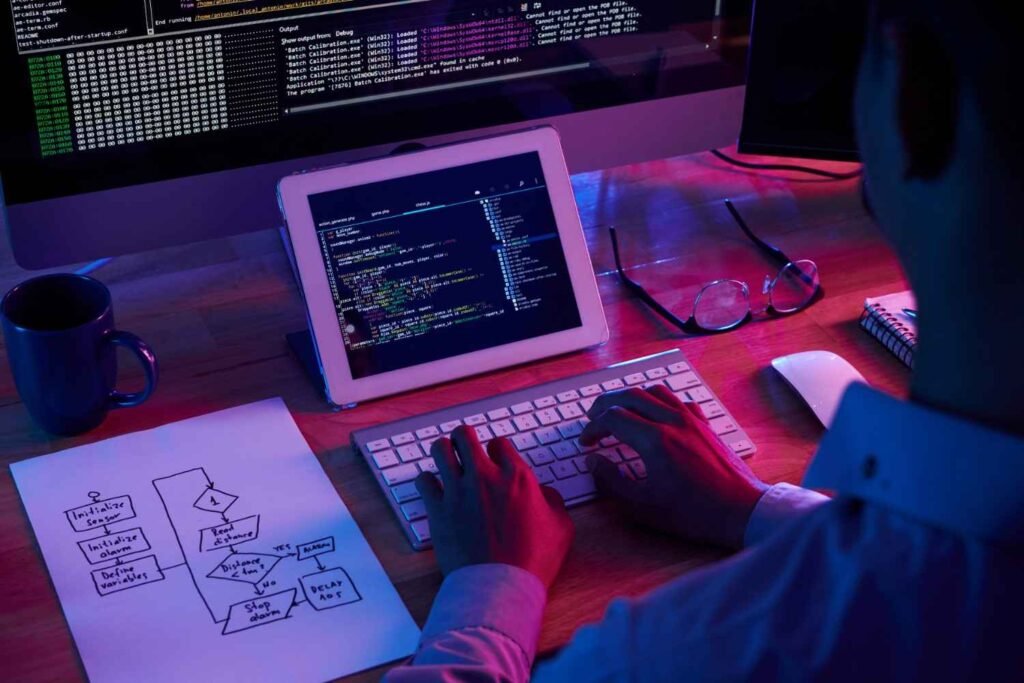
How Vibe Coding Works Step by Step in Real Projects
What Tools Power Vibe Coding Today?
The rise of vibe coding has led to an entire ecosystem of tools, each designed for different types of users.
Web-based builders like Lovable and Replit Agent are perfect for beginners. They allow you to build and deploy apps using just prompts, without needing deep technical knowledge.
IDE (Integrated Development Environment)-based tools like Cursor and Windsurf are more suited for developers. They let you apply AI changes across entire codebases while staying inside your editor.
Enterprise platforms like Google AI Studio take things further by combining AI agents with backend services like Firebase, making it easier to build production-ready applications.
In the US market, these tools are quickly becoming part of standard development workflows, especially in startups and internal product teams.
Why Vibe Coding Is Changing Software Development
From my experience, the biggest shift is how much faster I can move from idea to execution. What used to take days can now take hours.
It also democratizes software creation. People who never considered themselves developers can now build functional tools, MVPs (minimum viable product), and prototypes.
Another major benefit is reducing repetitive work. Boilerplate code, setup tasks, and debugging basic issues can all be handled by AI, allowing me to focus on strategy and user experience.
This is why many US-based companies are adopting this approach for rapid prototyping and internal tools.
Benefits vs Risks of Vibe Coding You Should Know
When I started using vibe coding seriously, I quickly realized it comes with both advantages and trade-offs.
The biggest benefit is speed. You can prototype and launch almost instantly, which is a huge advantage in fast-moving markets.
Accessibility is another key benefit. Even without deep coding knowledge, you can build real applications.
However, there are risks. AI-generated code can introduce technical debt if not reviewed properly. Security vulnerabilities and hidden bugs are also possible.
Another challenge is understanding the logic behind the code. If something breaks, you still need enough knowledge to fix it.
That is why I treat AI as a collaborator, not a replacement.
How to Start Using Vibe Coding Step by Step
If you want to get started, I recommend a simple and practical approach based on what has worked for me.
First, pick a small project. A simple dashboard or tool is perfect for learning.
Next, write a detailed prompt. Clearly describe features, layout, and behavior. This step determines your results.
Then, review and test the generated output. Do not skip this. Understanding what the AI produces is essential.
After that, refine your prompts. Ask for improvements, fix issues, and add features gradually.
Finally, repeat the process. Each iteration improves both your project and your ability to guide AI effectively.
Vibe Coding vs Traditional Programming: What Really Changes?
Traditional programming requires deep knowledge of syntax, frameworks, and debugging. You build everything step by step.
With vibe coding, you shift that responsibility to AI. You focus on describing outcomes rather than writing instructions.
The biggest difference I’ve noticed is speed and flexibility. However, traditional programming skills still matter. They help you validate, optimize, and scale what AI creates.
The best approach is combining both methods.
Best Practices to Get Better Results With AI Coding

Over time, I’ve developed a few habits that consistently improve results.
I always write clear and specific prompts. Vague instructions lead to weak outputs.
I break complex tasks into smaller steps. This keeps the output clean and manageable.
I test everything before moving forward. Even small issues can compound if ignored.
And most importantly, I iterate. Each improvement builds on the previous version.
These practices make vibe coding far more reliable and effective.
FAQs About Vibe Coding
1. Is vibe coding beginner-friendly?
Yes, it is one of the easiest ways to start building software because it uses natural language instead of complex syntax.
2. Do I need coding experience to use it?
Not necessarily, but having basic knowledge helps you debug and refine results more effectively.
3. Can vibe coding replace developers?
No. It enhances productivity but still requires human oversight for logic, security, and scalability.
4. What is the biggest risk?
The biggest risk is relying too much on AI without reviewing the output, which can lead to bugs or vulnerabilities.
Final Thoughts on Vibe Coding and Its Future
After using this approach consistently, I can confidently say it is more than just a trend. It is a shift in how software gets built.
The ability to turn ideas into working applications quickly is incredibly powerful, especially in fast-paced environments like the US startup ecosystem.
If you learn how to guide AI properly, vibe coding can become one of the most valuable skills in your workflow.