
I still remember opening my laptop, searching “how to become a web developer,” and instantly feeling overwhelmed. There were endless tutorials, conflicting advice, and no clear direction. I wasted weeks jumping from one thing to another without real progress.
Everything changed when I stopped chasing random courses and followed a clear web development roadmap that actually made sense. Instead of guessing what to learn next, I finally had a path that turned confusion into momentum.
If you want to skip the trial-and-error phase and build real skills faster, this is the exact step-by-step journey I would follow today in 2026.
What Is a Web Development Roadmap and Why Does It Matter?
When I started, I wasted weeks learning random tools without direction. A roadmap fixes that by giving you a structured learning path.
Instead of guessing what comes next, you follow a sequence that builds real skills. This is exactly why top developers recommend following a proven web development roadmap instead of jumping between tutorials.
It saves time, reduces overwhelm, and keeps you focused on what actually matters.
How Do Websites Actually Work? (Beginner Foundation)
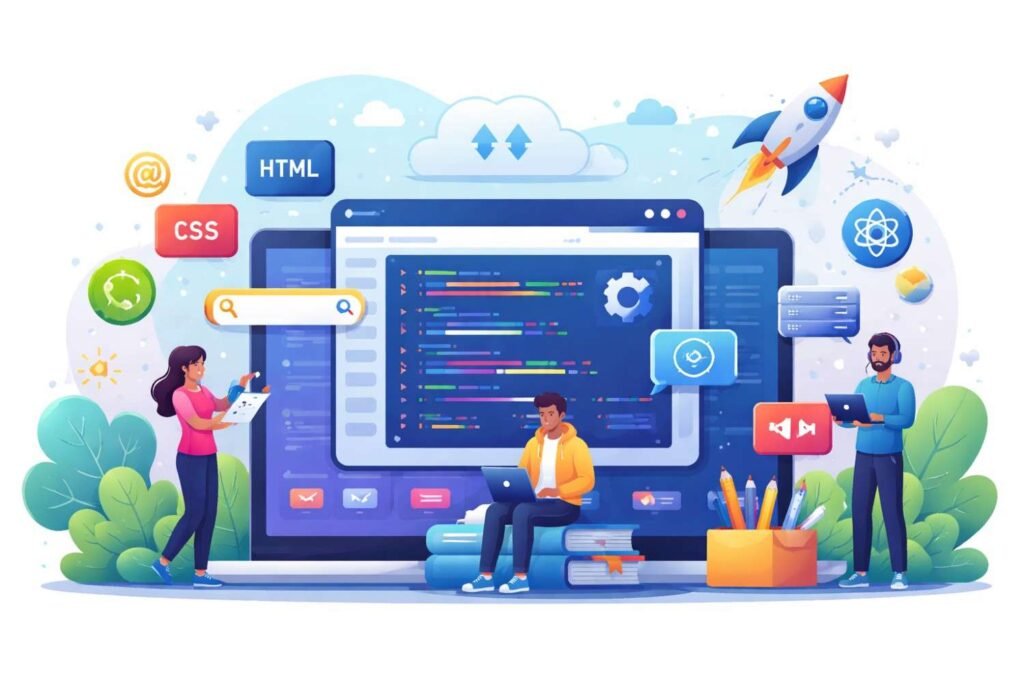
Before writing code, I had to understand what happens behind the scenes.
When you type a website URL, your browser sends a request using HTTP or HTTPS. That request goes through the Domain Name System (DNS), which finds the server hosting the site. The server responds with files like HTML, CSS, and JavaScript, and your browser renders them into a webpage.
Once I understood this, everything else started making sense.
Phase 1: Foundation Skills (Weeks 1–4)
This is where I built my base, and honestly, this stage matters more than people think.
I started with HTML5 and focused on semantic tags like header, main, and footer. These improve both SEO and accessibility. Then I moved to CSS3, where I learned Flexbox and Grid to create responsive layouts that work across devices.
Finally, I learned JavaScript basics, including variables, functions, and DOM manipulation. This gave me the ability to make websites interactive.
Skipping this phase is the biggest mistake beginners make.
Phase 2: Frontend Development Path (Months 2–4)
Once I got comfortable with the basics, I moved into frontend development.
I focused heavily on JavaScript, especially ES6+ features and working with APIs using the Fetch API. Then I started using Tailwind CSS to speed up styling and keep designs clean.
After that, I learned React, which is still one of the most in-demand frontend frameworks in the US job market. I also explored tools like Vite and npm to manage projects efficiently.
This is where my projects started to look like real applications instead of simple pages.
Phase 3: Backend Development and Databases (Months 5–7)
Frontend skills helped me build interfaces, but backend skills helped me build full systems.
I started with Node.js because it allowed me to stay within JavaScript. Then I used Express.js to build APIs and handle server logic.
For databases, I learned both PostgreSQL (SQL) and MongoDB (NoSQL). Understanding CRUD operations and schema design made a huge difference.
I also practiced building RESTful APIs and explored GraphQL basics.
What Tools Do You Need to Become a Web Developer?
Tools are just as important as coding skills. Once I started using the right tools, my workflow improved instantly.
I used Git and GitHub to track changes and collaborate. For deployment, I hosted projects on Vercel and Netlify, which made my work accessible online.
I also explored cloud basics with AWS and started using AI tools like GitHub Copilot and ChatGPT to debug and speed up coding.
These tools are essential if you want to work professionally.
How Important Are Projects in This Journey?

Projects were the turning point for me.
I started with a portfolio website, then built apps like a to-do list and weather app. Later, I created more advanced projects like a blog platform and e-commerce site.
Each project forced me to solve real problems, which is exactly what employers look for.
You don’t need dozens of projects. You need a few strong ones that demonstrate real skills.
How to Follow This Step by Step (Realistic Plan)
What worked for me was sticking to a clear system.
First, I mastered HTML and CSS (Cascading Style Sheets) by building simple layouts. Then I added JavaScript and built interactive features. After that, I learned React and created dynamic applications.
Next, I moved into backend development with Node.js and connected my apps to databases. Finally, I deployed everything so it was live and accessible.
Following this structure turned learning into progress instead of confusion.
How Is AI Changing Web Development in 2026?
This is something I wish I had used earlier.
AI tools like GitHub Copilot and ChatGPT help generate code, debug faster, and explain concepts instantly. They don’t replace developers, but they make you significantly more productive.
In 2026, knowing how to use AI effectively is becoming a core skill.
What Mistakes Should You Avoid?
I made these mistakes so you don’t have to.
I watched too many tutorials without building anything. I tried learning too many frameworks at once. And I compared myself to others, which slowed me down mentally.
The biggest lesson I learned was simple: build more, consume less.
How to Build a Job-Ready Portfolio
Your portfolio is what gets you hired.
I included 3–5 strong projects, each solving a real problem. I made sure the design looked clean and the code was well-structured. I also hosted everything online so recruiters could access it instantly.
A strong portfolio often matters more than a degree.
Complete Web Developer Skill Checklist
| Phase | Skills | Tools |
| Foundation | HTML, CSS, JS Basics | VS Code, DevTools |
| Frontend | React, Tailwind, APIs | Vite, npm |
| Backend | Node.js, Express | REST APIs |
| Database | PostgreSQL, MongoDB | CRUD, Schema |
| DevOps | Deployment, CI/CD | Git, Vercel, AWS |
How Long Does It Take to Become a Developer?

When I stayed consistent, I saw real progress.
Part-time learners typically take 6–12 months. Full-time learners can become job-ready in 3–6 months. What matters most is consistency, not speed.
FAQs About Web Development Roadmap
1. Is web development still in demand in the US?
Yes, demand remains strong as businesses continue moving online and investing in digital products.
2. Which language should I learn first?
I recommend starting with JavaScript because it works for both frontend and backend.
3. Do I need a degree to become a web developer?
No, skills and projects matter more than formal education in most cases.
4. Can I learn web development on my own?
Yes, I did. With a structured plan and consistent effort, self-learning works.
Final Thoughts on Becoming a Web Developer
If I had to start over, I would follow this exact system without overcomplicating things, focusing first on building strong basic coding skills.
Stick to the fundamentals, build real projects, and stay consistent. That’s what turns beginners into professionals.
This is the exact web development roadmap that helped me go from confusion to clarity—and it can do the same for you.